SIM Swap Fraud – How It Works & How to Protect Yourself
SIM swap fraud is one of the most dangerous mobile security threats in Pakistan. Scammers take control of your phone number and use it to drain your bank accounts.
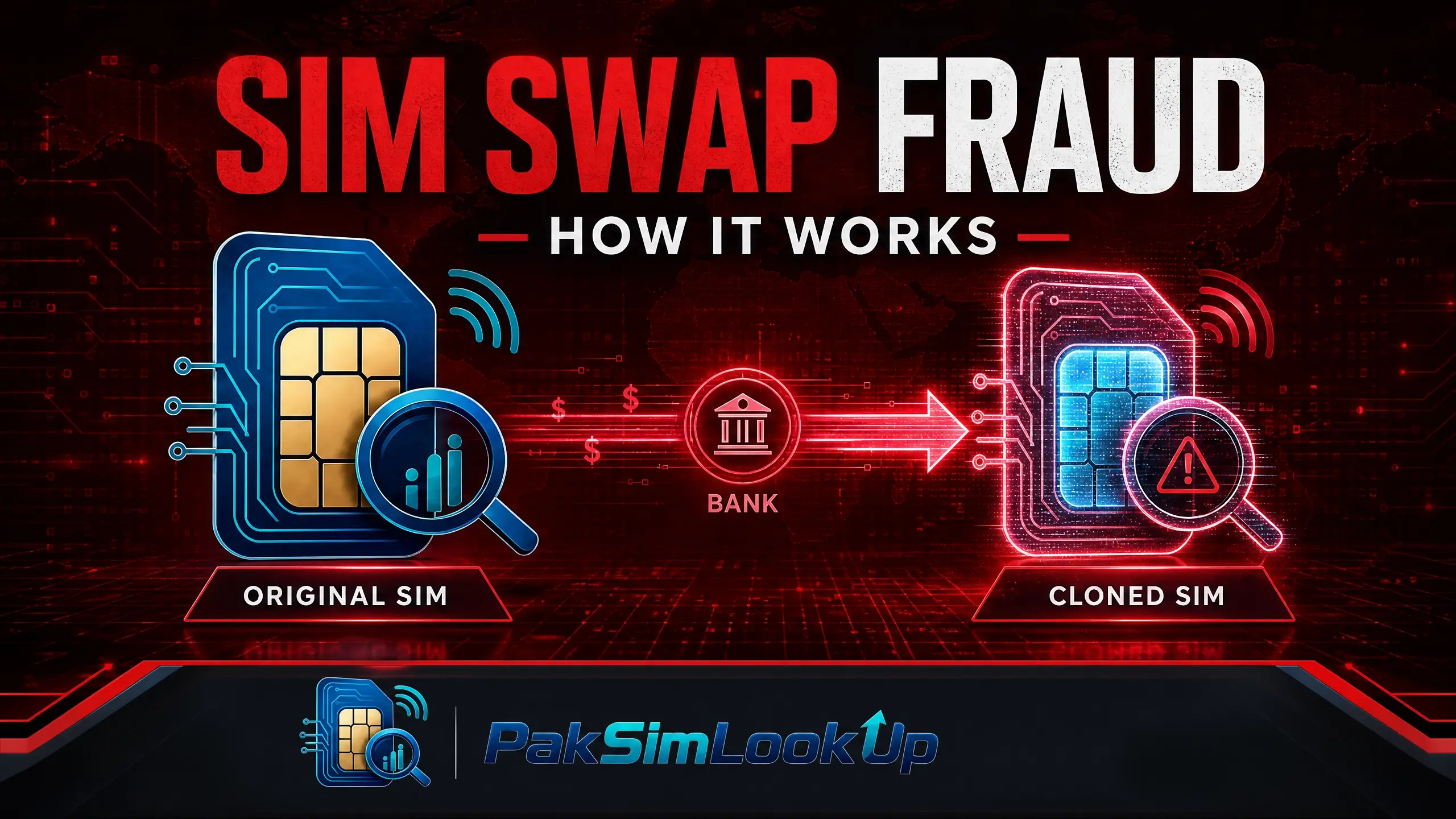
SIM Swap Can Empty Your Bank Account
In a SIM swap attack, scammers take control of your phone number. Once they have your number, they can receive your OTPs, reset your banking passwords, and drain your JazzCash, Easypaisa, or bank account — all within minutes.
How SIM Swap Fraud Works
- Information gathering.The scammer collects personal details about you — your CNIC number, mother's name, address — through phishing, data leaks, or social media.
- Impersonation. The scammer visits a mobile operator service centre (or contacts customer support) pretending to be you. They claim to have lost their SIM and need a replacement.
- SIM issuance. Using the stolen personal information, the scammer convinces the operator to issue a new SIM for your number. Your original SIM is deactivated.
- Account takeover. With your phone number now on their device, the scammer receives your SMS OTPs. They reset passwords for your bank, JazzCash, Easypaisa, and social media accounts.
- Funds theft. The scammer transfers money out of your accounts, often within minutes of gaining access.
Warning Signs of a SIM Swap Attack
- Sudden loss of network signal — your phone shows "Emergency Calls Only" despite being in a coverage area.
- Inability to make calls or send SMS — your SIM stops working without warning.
- Notification of SIM activation on another device — some operators send alerts when a new SIM is activated.
- Unexpected OTP messages — you receive SMS verification codes you did not request.
- Bank alerts about password changes — notifications about password reset attempts you did not initiate.
How to Protect Yourself
- Request SIM lock.Call your operator's helpline and request a SIM lock. This prevents any duplicate SIM from being issued without your physical presence and biometric verification.
- Use non-SMS two-factor authentication. Wherever possible, use authenticator apps (Google Authenticator, Authy, Microsoft Authenticator) instead of SMS-based 2FA for banking and important accounts.
- Monitor your SIM count regularly. Dial *668# at least once a month to check all SIMs registered on your CNIC. Report any you do not recognise.Android & iPhone: Open your phone dialer, type *668#, and press the call button. The result appears as an SMS from 668 within seconds.
- Secure your CNIC. Do not share your CNIC number online or over the phone. Scammers use your CNIC to impersonate you at operator service centres.
- Use strong banking passwords. Avoid simple PINs and use unique passwords for each financial account.
What to Do If You Are a Victim
- Call your mobile operator immediately to report the SIM swap and block your number.
- Call your bank to freeze all accounts and prevent transactions.
- Call JazzCash (111-124-444) or Easypaisa (111-111-777) to freeze your mobile wallet.
- Visit the nearest operator service centre with your original CNIC to reclaim your number.
- File a complaint with NCCIA Cyber Crime at complaint.nccia.gov.pk or call 1799.
- File an FIR at the nearest police station for legal documentation.
Emergency Action Plan: The First Hour
Your phone just lost signal — act now:
- Call your operator from another phone — ask if a replacement SIM was issued on your number. Request an emergency block.
- Call your bank — freeze all accounts linked to that number. Ask them to flag unusual activity.
- Call JazzCash (111-124-444) or Easypaisa (111-111-777) — freeze your wallet immediately.
- Change passwords from a secure device — email, banking, social media. Use strong new passwords.
- Visit the operator franchise with your original CNIC to reclaim your number.
- File a complaint — NCCIA at complaint.nccia.gov.pk or 1799, then an FIR at the police station.
Quick Reference: Warning Signs Table
| Sign | What It May Mean | First Move |
|---|---|---|
| "No Service" in coverage area | A duplicate SIM may have been issued | Call operator from another phone — right now |
| OTP you did not request | Someone is trying to access your account | Do not share it; change that account's password |
| SMS about SIM change you did not make | SIM swap may be in progress | Operator helpline first, then your bank |
| SIM count higher than SIMs you use | An unauthorized SIM is on your CNIC | Visit franchise with original CNIC to disown it |
See our detailed guides on protecting your CNIC, reporting unauthorized SIMs, and SIM biometric verification.
Frequently Asked Questions
Can SIM swap happen without my CNIC?
In most cases, scammers need your CNIC number to impersonate you at an operator service centre. However, some sophisticated attacks use bribed employees or forged documents. This is why protecting your CNIC is your first line of defence.
Is SMS OTP safe for banking in Pakistan?
SMS OTP is the industry standard and generally safe, but SIM swap fraud specifically targets this system. Where possible, switch to authenticator apps (Google Authenticator, Authy) and enable email alerts for all transactions.
How quickly can scammers drain my account after a SIM swap?
Scammers can drain your accounts within minutes of gaining control of your number. They receive OTPs instantly and can reset passwords, transfer funds, or make payments before you even realise your SIM is gone. Speed is everything — follow the first-hour plan above.
Can I get my original number back after a SIM swap?
Yes. Visit your operator's nearest franchise with your original CNIC. After biometric verification, the operator can block the fraudulent SIM and issue a new one for your number. Keep the reference number from the franchise.
Sources & Official References
PTA consumer protection. PTA guidelines on SIM issuance security and preventing unauthorised SIM replacements. PTA Consumer Protection.
State Bank of Pakistan security advisories. SBP guidelines on securing mobile banking against SIM swap attacks. SBP Digital Financial Services.
NCCIA Cyber Crime Wing. Report SIM swap fraud and financial identity theft. NCCIA Complaint Portal.
PKCERT advisories. Security alerts regarding SIM swap and account takeover attacks. PKCERT Advisories.
Legal framework. Prevention of Electronic Crimes Act (PECA) 2016 and SBP regulations on mobile banking fraud. PECA 2016.
Methodology. This guide follows PTA SIM issuance procedures and SBP security guidelines. SIM swap steps are based on documented fraud patterns investigated by FIA Cyber Crime.
Keep Your CNIC Safe
Your Computerized National Identity Card (CNIC) is sensitive personal information. Only share it with authorized entities such as official SIM registration centers, NADRA offices, and licensed mobile network operator franchises.
Be cautious of unauthorized SIM registration. A SIM card registered against your CNIC without your knowledge can be misused for illegal activities. Regularly verify how many SIMs are registered on your CNIC through official channels.
Never share your CNIC details, photographs, or fingerprints with unverified third-party websites or individuals. Always use official PTA and NADRA channels for SIM verification.
About the Author
Researcher and writer focused on data leakage, digital privacy, and online identity protection with over 8 years of experience analyzing data breach patterns and privacy risks for mobile users.
Official Channels
Official Channels
Pakistan Telecommunication Authority (PTA)
The national telecom regulator. Use the PTA SIM Information System to check SIMs registered on your CNIC.
NADRA
National Database and Registration Authority. Visit your nearest NADRA center for SIM-related queries.
PTA SIM Information System (668)
Dial *668# from your mobile phone to check the number of SIMs registered on your CNIC instantly.
Individual Operator Helplines
Contact your mobile network operator directly for SIM-related issues through their customer support helplines.