WhatsApp OTP Scams – How Hackers Steal Your Account
Your WhatsApp verification code is the key to your account. Scammers use clever tricks to get you to hand it over. Here is how they do it and how to stop them.
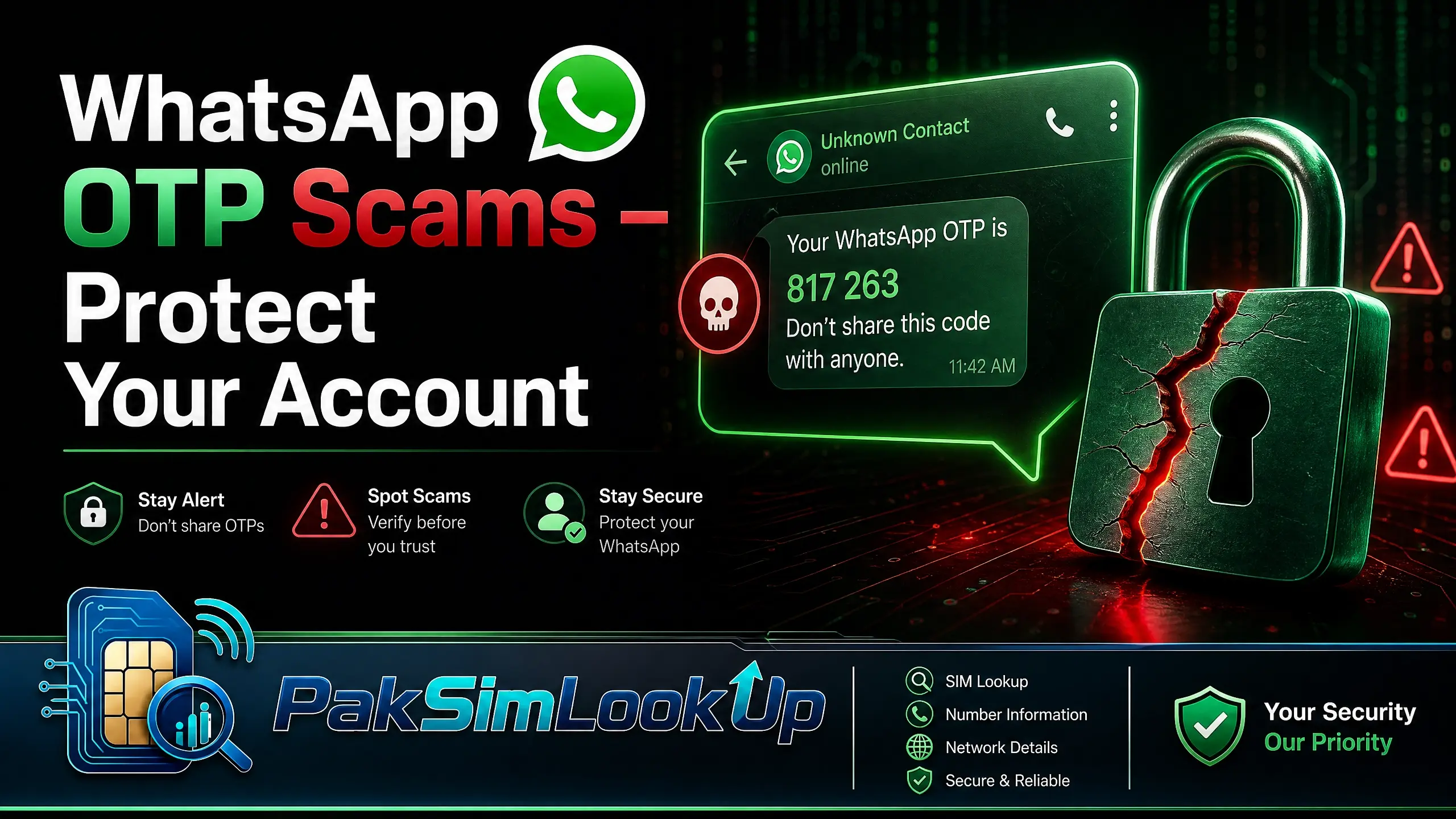
WhatsApp Hijacking Is Serious
Once scammers take over your WhatsApp, they message your contacts pretending to be you, ask them for money or OTPs, and can access your private conversations. Pakistan has seen a sharp rise in these attacks since 2024.
Common WhatsApp OTP Scams
1. The Friend-in-Need Trick
A scammer hacks your friend's WhatsApp first. Then they message you from their account saying they are locked out and need your OTP to "recover" their account. In reality, they are trying to use your phone number to register a new WhatsApp account. If you share the OTP, your account is hijacked.
2. The WhatsApp Call Scam
You receive a WhatsApp call from an unknown international number. The caller claims to be from WhatsApp support and says your account will be deleted unless you verify by sharing a code sent to your phone. That code is your WhatsApp OTP. Once shared, they take over your account.
3. The Fake Giveaway
You receive a message saying you won a prize — free mobile data, cash prize, or shopping voucher. To claim it, you must share a "confirmation code" that arrives via SMS. That code is your WhatsApp verification OTP.
4. The Group Invite Scam
You are added to a WhatsApp group with official-sounding names like "PTA Help Desk" or "NADRA Support." An admin asks everyone to verify by sharing a code. The code is your WhatsApp OTP.
How to Protect Your WhatsApp
- Enable two-step verification. This is your strongest defense. Even if someone gets your OTP, they cannot activate your number without your PIN.
Android:
- Tap the three dots (⋮) in the top right → Settings
- Tap Account → Two-step verification
- Tap Turn on
- Create a memorable 6-digit PIN (do not use your birth date or 123456)
- Add your email address (do not skip this — it is your recovery key)
- Confirm your email address and tap Done
iPhone:
- Tap Settings in the bottom right corner
- Tap Account → Two-step verification
- Tap Enable
- Create a memorable 6-digit PIN
- Add your recovery email address
- Confirm your email and tap Done
- Never share your 6-digit registration code. This code is only for you during initial setup. No legitimate person or organisation will ever ask for it.
- Verify friend requests. If a contact asks for your OTP or money via WhatsApp, call them directly to confirm it is really them.
- Check linked devices.Go to WhatsApp Settings > Linked devices and remove any device you do not recognise.Android: Settings (three dots) → Linked devices → review and log out.
iPhone: Settings (bottom right) → Linked devices → review and log out. - Block unknown international numbers. Scammers often call from +62 (Indonesia), +255 (Tanzania), or +92 (Pakistan but spoofed) numbers.
What to Do If Your WhatsApp Is Hacked
- Re-register immediately. Open WhatsApp, enter your phone number, and request a new OTP. If two-step verification is enabled, enter your PIN to regain access.
- Inform your contacts. Tell your family and friends that your account was hacked so they do not fall for messages sent by the scammer.
- Enable two-step verification if it was not already enabled.
- Check your SIM count. Dial *668# to verify no unauthorized SIMs are registered on your CNIC — scammers may have targeted your phone number first.
- Report to NCCIA Cyber Crime at complaint.nccia.gov.pk or call 1799.
Emergency Action Plan: First 30 Minutes
If you just shared your WhatsApp OTP:
- Re-register WhatsApp — open the app, enter your number, request a new OTP, and quickly enter it before the scammer can.
- Enable two-step verification immediately with a recovery email.
- Check linked devices and log out any unknown sessions.
- Alert your contacts via another channel (call or SMS) that your account was compromised.
- Check *668# to ensure your SIM has not been swapped.
- Report to NCCIA at complaint.nccia.gov.pk or call 1799.
Quick Reference: Security Checklist
| Action | Why It Matters | How to Do It |
|---|---|---|
| Two-step verification | Blocks account takeover even if OTP is stolen | WhatsApp Settings > Account > Two-step verification |
| Recovery email | Lets you reset PIN if forgotten | Add during two-step verification setup |
| Check linked devices | Find unauthorised access | Settings > Linked devices |
| Check SIM count | Detect SIM swap attempts | Dial *668# from your phone |
For more protection, see our guides on protecting your CNIC from SIM misuse and general online safety tips.
Frequently Asked Questions
Is WhatsApp two-step verification enough to stop hackers?
Two-step verification is your strongest defense. Even if a scammer steals your OTP, they cannot activate your number on their device without your PIN. It is the single most effective protection against WhatsApp hijacking.
Can someone hack my WhatsApp without my OTP?
Yes — through SIM swap fraud. If a scammer gets a duplicate SIM for your number, they can receive your WhatsApp OTP directly. This is why you should check *668# regularly and enable two-step verification.
What if I forgot my two-step verification PIN?
If you added a recovery email, you can reset your PIN by selecting "Forgot PIN?" during registration. If you did not set a recovery email, you will be locked out for 7 days before WhatsApp allows you to register without the PIN.
How do I report a hacked WhatsApp account in Pakistan?
Report to NCCIA Cyber Crime at complaint.nccia.gov.pk or call 1799. You should also inform your contacts, re-register WhatsApp, and check your SIM count via *668#.
Sources & Official References
WhatsApp security guide. Official WhatsApp two-step verification and account security recommendations. WhatsApp Two-Step Verification.
NCCIA Cyber Crime Wing.The NCCIA (National Cyber Crime Investigation Agency, which absorbed the FIA's Cyber Crime Wing) handles WhatsApp hijacking and social media account takeover complaints. NCCIA Complaint Portal.
PTA consumer protection. PTA advisories on social media scams and OTP fraud. PTA Consumer Protection.
PKCERT advisories. Security alerts regarding phishing and social engineering attacks targeting Pakistani users. PKCERT Advisories.
Methodology.This guide follows WhatsApp's official security recommendations and FIA reporting procedures. Examples are based on verified scam patterns reported in Pakistan.
Keep Your CNIC Safe
Your Computerized National Identity Card (CNIC) is sensitive personal information. Only share it with authorized entities such as official SIM registration centers, NADRA offices, and licensed mobile network operator franchises.
Be cautious of unauthorized SIM registration. A SIM card registered against your CNIC without your knowledge can be misused for illegal activities. Regularly verify how many SIMs are registered on your CNIC through official channels.
Never share your CNIC details, photographs, or fingerprints with unverified third-party websites or individuals. Always use official PTA and NADRA channels for SIM verification.
About the Author
Researcher and writer focused on data leakage, digital privacy, and online identity protection with over 8 years of experience analyzing data breach patterns and privacy risks for mobile users.
Official Channels
Official Channels
Pakistan Telecommunication Authority (PTA)
The national telecom regulator. Use the PTA SIM Information System to check SIMs registered on your CNIC.
NADRA
National Database and Registration Authority. Visit your nearest NADRA center for SIM-related queries.
PTA SIM Information System (668)
Dial *668# from your mobile phone to check the number of SIMs registered on your CNIC instantly.
Individual Operator Helplines
Contact your mobile network operator directly for SIM-related issues through their customer support helplines.