Fake SIM Verification Scams – How to Spot & Avoid Them
Scammers are calling Pakistanis pretending to verify their SIM registration. Here is how the scam works and how to protect yourself.
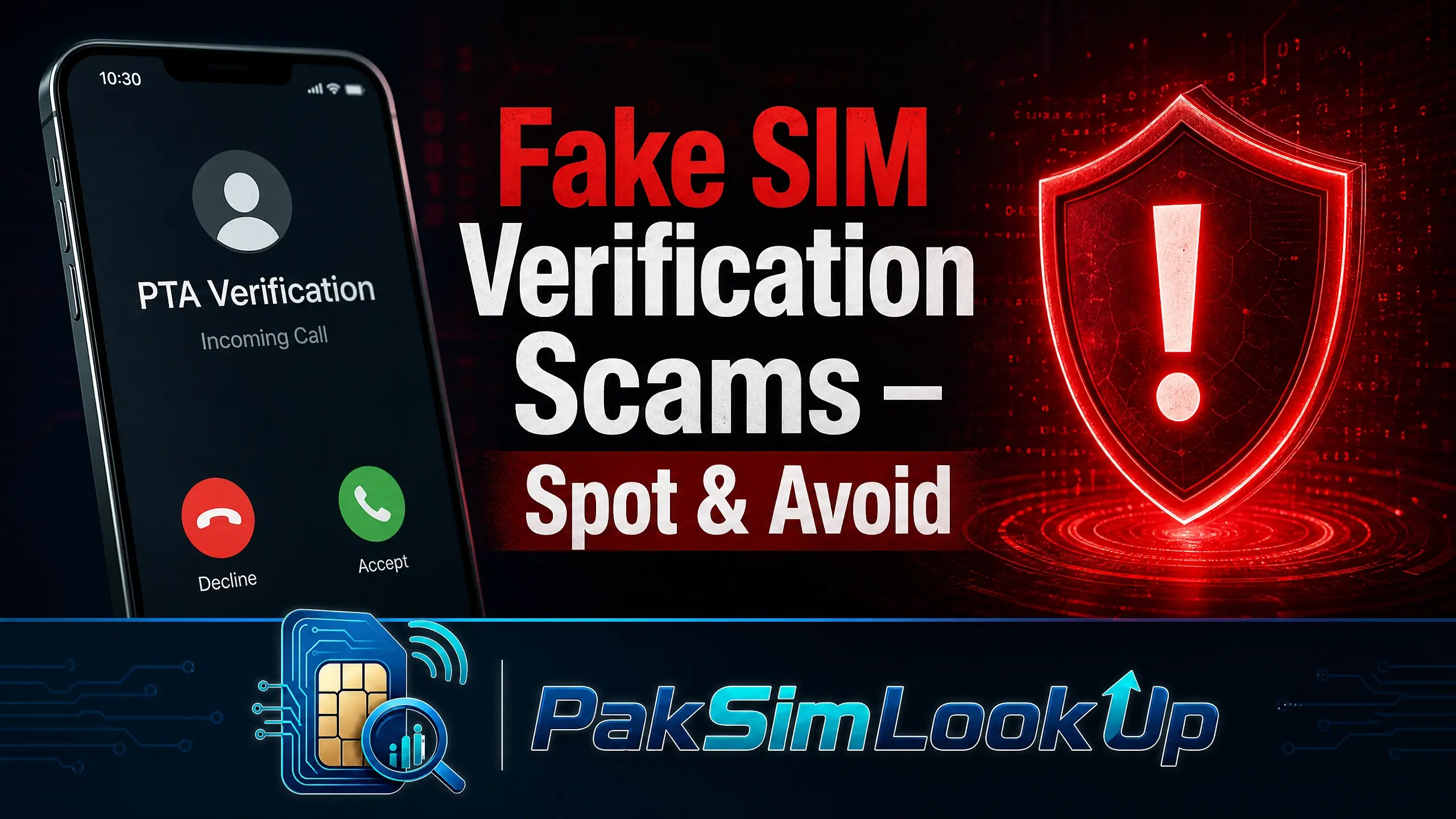
This Scam Is on the Rise
PTA has received thousands of complaints about callers impersonating telecom staff to steal CNIC details and OTPs. In 2025, over 2,000 cases of SIM-related identity theft were reported to FIA.
How the Scam Works
A scammer calls you claiming to be from PTA, NADRA, or your mobile network operator. They often have some basic information about you — your name or city — to sound convincing. They then say your SIM is going to be blocked or needs re-verification.
The Script They Use
- "This is PTA verification. Your SIM will be deactivated in 24 hours."
- "We are updating the NADRA database. Please confirm your CNIC number."
- "Your biometric verification has expired. Share the OTP sent to your phone."
- "There is an illegal SIM registered on your CNIC. We need to verify your identity."
What They Want
- Your CNIC number — used to apply for loans or open accounts
- Your OTP — used to reset your banking or mobile accounts
- Your mother's name — used to answer security questions
- Your address — used for identity theft
Why It Works
Scammers exploit fear and urgency. The threat of losing your SIM connection panics many people into sharing personal details without thinking. They also spoof caller IDs to show official-sounding numbers.
How to Protect Yourself
- PTA never calls for verification. SIM verification is done through official channels only: *668#, cnic.sims.pk, or in-person at operator service centres.
- Never share your CNIC over the phone. No legitimate organization asks for your full CNIC in an unsolicited call.
- Never share any OTP. OTPs are for your use only. Anyone asking for your OTP is trying to steal your account.
- Hang up and call back. If someone claims to be from your operator, hang up and dial the official helpline number from your operator's website.
- Block and report. Block the number and report it to PTA at complaint.pta.gov.pk.
What to Do If You Shared Your Details
- Contact your bank to freeze accounts and prevent transactions.
- Call your mobile operator to report possible SIM compromise.
- Dial *668# to check for unauthorized SIMs on your CNIC.
- Change passwords for all online accounts, especially banking and email.
- File a complaint at complaint.nccia.gov.pk (NCCIA) or call 1799.
Quick Reference: Official SIM Tools
| Tool | What It Does | How to Use |
|---|---|---|
| *668# | Lists all SIMs on your CNIC | Dial from your phone — free from PTA |
| 667 | Check SIM owner name | Text MNP to 667 — small SMS charge |
| 9000 | Report spam / marketing SMS | Forward suspicious SMS to 9000 — free |
See our detailed guides on protecting your CNIC, reporting unauthorized SIMs, and SIM biometric verification for more detail.
Frequently Asked Questions
Can PTA really call me for verification?
No. PTA has stated repeatedly that it never calls individuals for SIM verification. Any call claiming to be from PTA is a scam.
What if I already gave them my CNIC?
Dial *668# immediately to check for unauthorized SIMs. Contact your bank to freeze accounts. File a complaint at complaint.nccia.gov.pk. If your CNIC is compromised, scammers may use it to register SIMs or open accounts.
Can scammers spoof official phone numbers?
Yes. Caller ID spoofing is common. Scammers can make any number appear on your screen. Never trust caller ID alone — hang up and call back on the official number.
How do I report a scam call number?
Report to PTA at complaint.pta.gov.pk or call 0800-55055. You can also report to NCCIA at complaint.nccia.gov.pk or call 1799.
Sources & Official References
PTA scam warnings. Pakistan Telecommunication Authority advisories on impersonation scams and SIM fraud. PTA Scam Alerts.
NCCIA Cyber Crime reporting. The NCCIA (National Cyber Crime Investigation Agency, which absorbed the FIA's Cyber Crime Wing) handles SIM-related fraud complaints. NCCIA Complaint Portal.
PKCERT advisories. Pakistan Computer Emergency Response Team issues security alerts for telecom and identity fraud. PKCERT Advisories.
Legal framework. Prevention of Electronic Crimes Act (PECA) 2016 governs cyber crime and identity theft penalties. PECA 2016.
Methodology. This guide is based on PTA official consumer protection advisories and verified scam reports. All prevention steps follow PTA and FIA recommended practices.
Keep Your CNIC Safe
Your Computerized National Identity Card (CNIC) is sensitive personal information. Only share it with authorized entities such as official SIM registration centers, NADRA offices, and licensed mobile network operator franchises.
Be cautious of unauthorized SIM registration. A SIM card registered against your CNIC without your knowledge can be misused for illegal activities. Regularly verify how many SIMs are registered on your CNIC through official channels.
Never share your CNIC details, photographs, or fingerprints with unverified third-party websites or individuals. Always use official PTA and NADRA channels for SIM verification.
About the Author
Researcher and writer focused on data leakage, digital privacy, and online identity protection with over 8 years of experience analyzing data breach patterns and privacy risks for mobile users.
Official Channels
Official Channels
Pakistan Telecommunication Authority (PTA)
The national telecom regulator. Use the PTA SIM Information System to check SIMs registered on your CNIC.
NADRA
National Database and Registration Authority. Visit your nearest NADRA center for SIM-related queries.
PTA SIM Information System (668)
Dial *668# from your mobile phone to check the number of SIMs registered on your CNIC instantly.
Individual Operator Helplines
Contact your mobile network operator directly for SIM-related issues through their customer support helplines.